
Claude Cowork: Your Complete Guide to Anthropic’s AI Coworker
How to use the tool that’s changing the way knowledge workers get things done
When Anthropic launched Claude Code, developers used it for coding—then quickly started using it for everything else. Organizing files. Creating documents. Processing data. The agentic AI paradigm was too powerful to stay confined to terminals.
So Anthropic built Cowork: the same autonomous capabilities, wrapped in an interface anyone can use.
This isn’t another chatbot with file upload. It’s fundamentally different. You don’t ask Claude questions. You assign Claude work. You describe what you need done, approve the plan, and come back to finished results—whether that takes five minutes or an hour.
I analyzed 12 sources on Claude Cowork to understand how it works, who should use it, and how to get the most from it. Here’s everything you need to know.
What Claude Cowork Actually Is
Cowork is an AI agent that runs on your Mac with direct access to folders you choose. You describe a task, Claude makes a plan, you approve it, and Claude executes autonomously while you do other things.
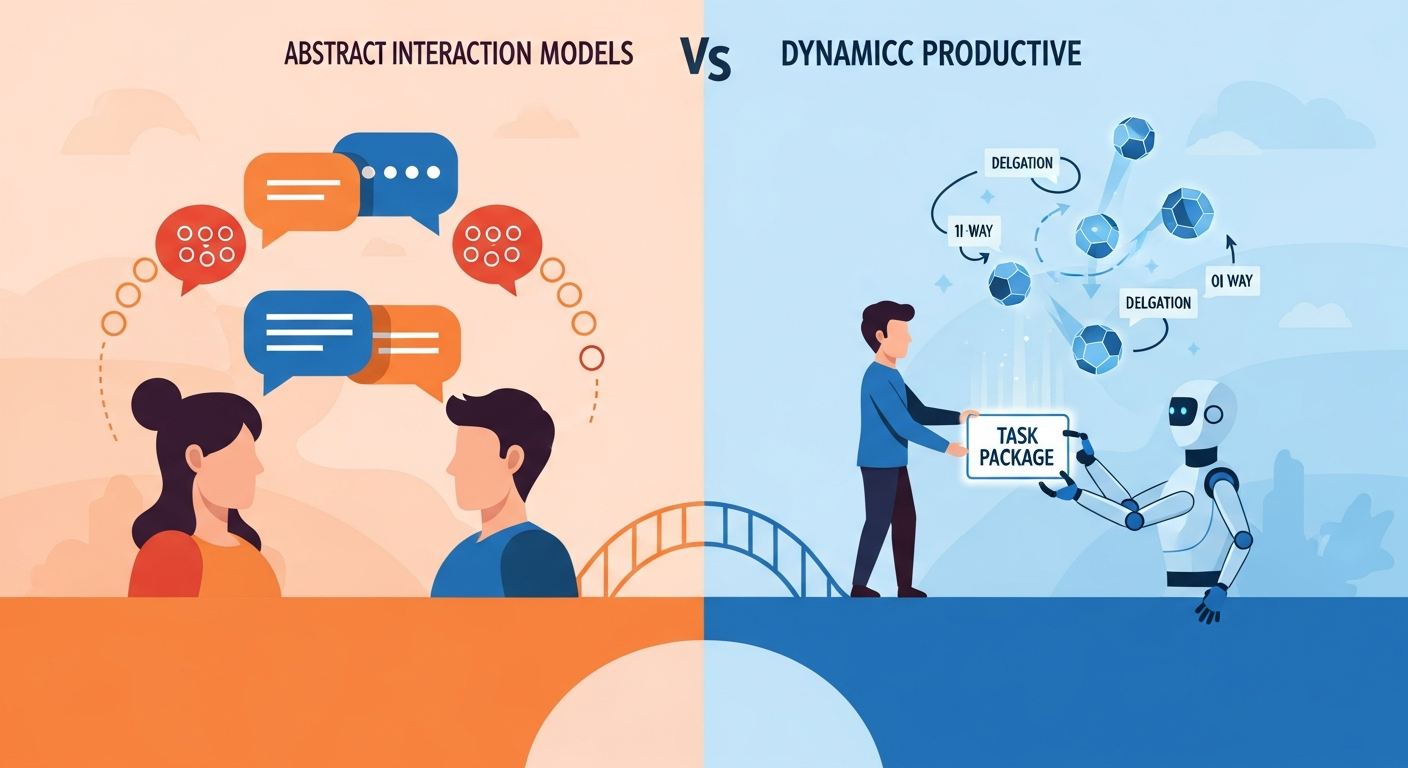
The key word is autonomously. Traditional AI chat is synchronous—you ask, it answers, you respond. Cowork is asynchronous—you assign, it executes, you review.
Think of it as the difference between having a consultant on a call versus having a capable junior employee. Consultants answer questions. Employees complete tasks.

How It Works
When you open Claude Desktop on macOS, you’ll see three tabs: Chat, Cowork, and Code. Click Cowork to switch modes.
Grant Claude access to specific folders on your computer—it can’t see anything you don’t explicitly share. Then describe what you need done.
Claude analyzes the task, creates a multi-step plan, and shows it to you. If the plan looks right, approve it. Claude then executes the work, coordinating subagents for complex tasks and running for as long as needed.
You don’t have to watch. You can queue additional tasks, provide feedback mid-execution, or walk away entirely. When you come back, the work is done.
The Prompt Framework That Works
Every guide I analyzed emphasized the same point: prompt engineering is critical for Cowork success. Vague prompts in chat produce vague answers. Vague prompts in Cowork produce unpredictable actions on your files.
The winning framework is CONTEXT → TASK → OUTPUT → CONSTRAINTS:
- CONTEXT: What exists now, the current state, relevant background
- TASK: The specific transformation or action you need
- OUTPUT: The expected deliverable, format, and location
- CONSTRAINTS: What NOT to do, boundaries, safeguards
Weak prompt: “Clean up my files.”
Effective prompt: “CONTEXT: I have 100+ research files scattered across folders. TASK: Organize them into /source-materials, /notes, /drafts, /final, and /media based on file type and content. OUTPUT: Create the new folder structure and move files appropriately. Generate an organization-summary.md listing what went where. CONSTRAINTS: Preserve all original filenames. Never delete anything. Place uncertain files in /needs-review for me to sort manually.”
The difference isn’t just clarity—it’s safety. Explicit constraints prevent the accidents that make headlines.
Real Use Cases People Are Using
The practical applications span knowledge work broadly:
File Organization: Sort hundreds of scattered downloads into categorized folders with intelligent renaming. One user reported their Downloads folder—untouched for months—was organized in under 20 minutes.
Data Extraction: Turn receipt photos into structured expense spreadsheets with vendor names, amounts, dates, and categories. Claude flags entries needing verification and calculates totals automatically.
Research Synthesis: Combine PDFs, web articles, and scattered notes into coherent reports with executive summaries and proper citations. One demonstration showed 320 podcast transcripts analyzed in 15 minutes.
Document Creation: Transform rough meeting notes into formatted presentations, complete with themed slides and professional structure.
Analytics Work: One user had Claude access their PostHog dashboard, download daily active user data, create a comprehensive spreadsheet, and generate trend analysis—from a single prompt.
The Costs You Need to Know
Cowork isn’t cheap, and understanding the economics matters.
Subscription: Claude Max is required ($100-200/month). Pro subscribers ($20/month) have limited access.
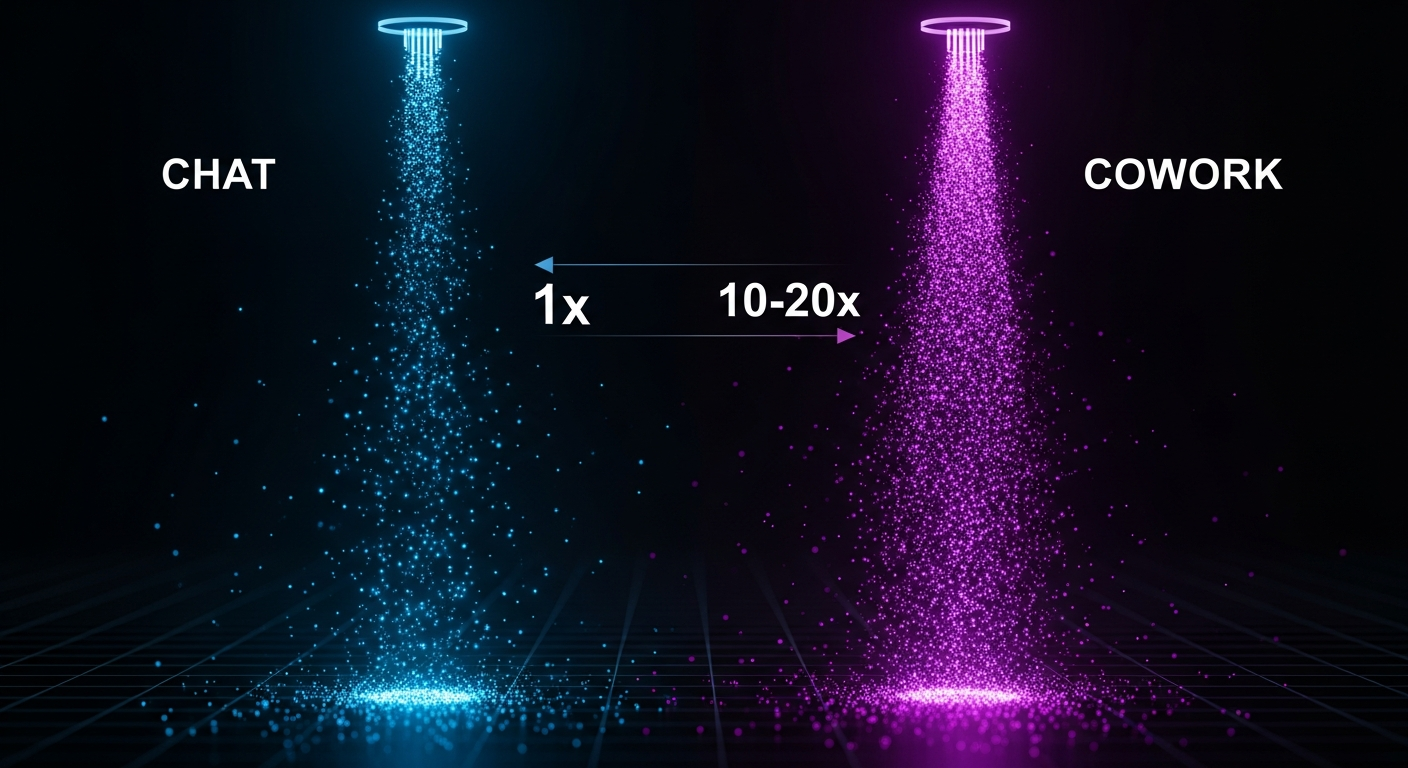
Token Consumption: Cowork uses 10-20x more tokens than standard chat. Autonomous execution, subagent coordination, and extended context all consume resources.
Usage Windows: Limits reset every 5 hours, not daily. The Max 5x plan provides roughly 225 operations per window; Max 20x provides roughly 900.
Platform: macOS only for now. Windows support is planned but has no timeline.
The math works if you’re delegating frequently. A task that saves you an hour is worth the token cost. Occasional users may find Pro tier plus selective Cowork access sufficient.
Security: The Reality Check
Cowork runs in a sandbox using Apple’s Virtualization Framework. Files are mounted into isolated Linux containers—Claude genuinely can’t access anything outside the folders you grant.
But within those folders, it has real power. And incidents have happened.
One user reported accidentally losing 11GB of files. The cause: ambiguous instructions that Claude interpreted as permission to delete. Prompt injection—malicious instructions hidden in documents Claude reads—remains an acknowledged vulnerability.
Anthropic deserves credit for transparency. They explicitly state Cowork can “take potentially destructive actions” and describe agent security as “an active area of development.”
Best practices:
- Create a dedicated /cowork-workspace folder
- Keep sensitive files in separate, non-shared locations
- Test on copies before running on originals
- Review Claude’s plan before approving execution
- Use explicit constraints: “Never delete” should be standard
- Maintain regular backups
Common Mistakes to Avoid
Granting too much access: Don’t point Cowork at your entire home directory. Create dedicated workspaces.
Vague instructions: “Help me with these files” gives Claude nothing to work with. Use the CONTEXT → TASK → OUTPUT → CONSTRAINTS framework.
Skipping plan review: The plan review step exists for a reason. Read it. If something seems off, clarify before proceeding.
Using Cowork for quick questions: This wastes tokens. Chat mode exists for conversational queries. Reserve Cowork for actual task execution.
Closing the app mid-task: The desktop app must stay open for your session to continue. Close it and your task terminates.
Expecting memory: Cowork doesn’t retain anything between sessions. Each time starts fresh.
When to Use Each Mode
Claude Desktop offers three modes, and choosing correctly matters:
Chat: Quick questions, brainstorming, conversational iteration. Tasks under 5 minutes. No file access needed.
Cowork: Defined end-states, extended execution, file-based work. Tasks 30+ minutes. Delegation mindset.
Code: Terminal-based work, actual development, custom automation. Developer comfort required.
The pattern: Chat for thinking. Cowork for doing. Code for building.
What’s Coming Next
Based on current trajectory and expert predictions:

High confidence: Windows support arrives in Q1-Q2 2026. Cross-session memory gets added in 2026. Google and OpenAI launch competing offerings within 6 months.
Medium confidence: Pricing tiers expand with usage-based options. Enterprise features (SSO, audit logs, admin controls) launch by mid-2026.
The agentic AI wave is just starting. Cowork is the early-access version of tools that will eventually be standard for knowledge work.
Getting Started
If you want to explore Cowork:
- Get access: Mac + Claude Max subscription ($100/month minimum)
- Create a workspace: Dedicated folder like /Users/you/cowork-workspace
- Start small: Begin with low-risk file organization tasks
- Use the framework: CONTEXT → TASK → OUTPUT → CONSTRAINTS
- Document successes: Save prompts that work as templates for reuse
The shift from AI conversation to AI delegation is here. Early adopters who develop workflows now will have significant advantages as these tools become mainstream.
The technology is ready. The question is whether you’re ready to change how you think about getting work done.